<p class=“p1”>What the heck is with #PowerShell colors? I typed “$host.privatedata”, but only “$host.” shows up on the screen. What’s the full list of color settings I can set? All of the ColorTool themes suck, which is how I got into this mess in the first place. I just want to be able to see everything on my screen. Thanks!</p>
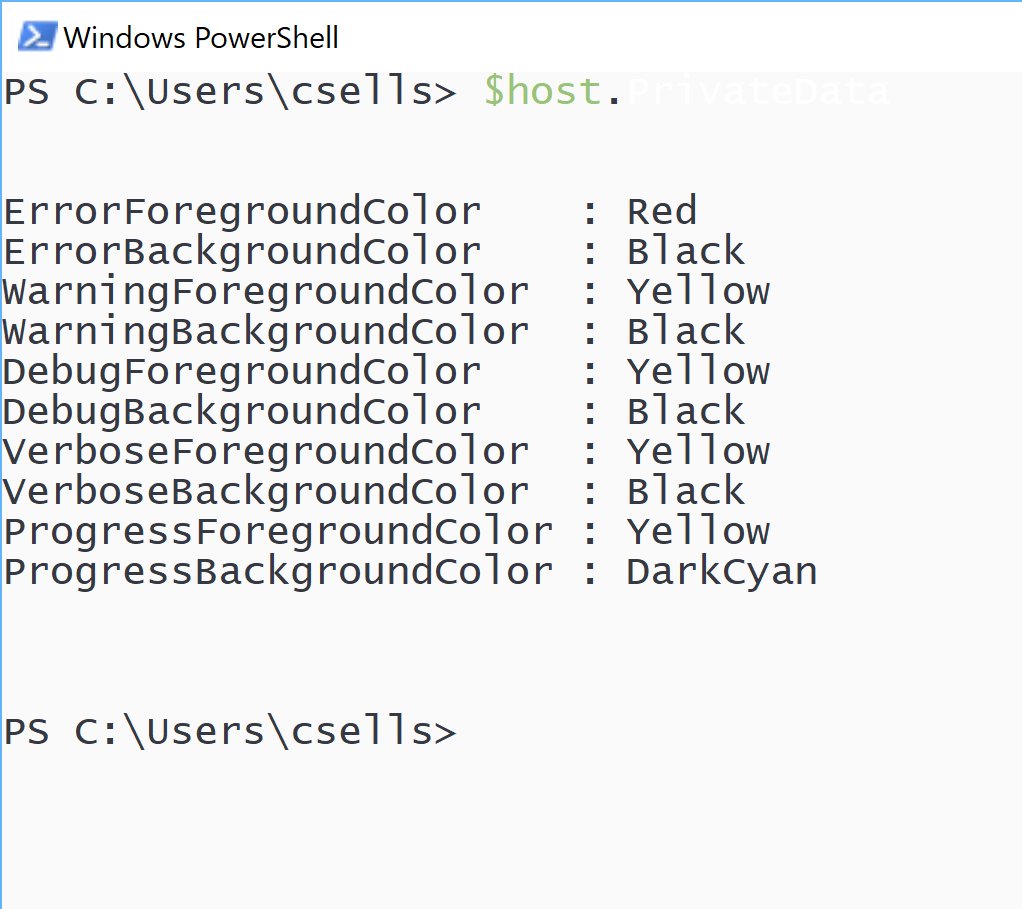
See $host.ui.RawUI .
Your color change will be=e available only in that PowerShell console session.
Obviously it can’t just be $host.ui.RawUI.ForegroundColor, because in my example, “$host.” shows in one color and “PrivateData” shows up in another color. I want to know what those color settings are for each of the two pieces of text that I entered at the same time and how to change them.
See set-psreadlineoption for powershell 5.1.
Thank you – I believe that is what I’m looking for.