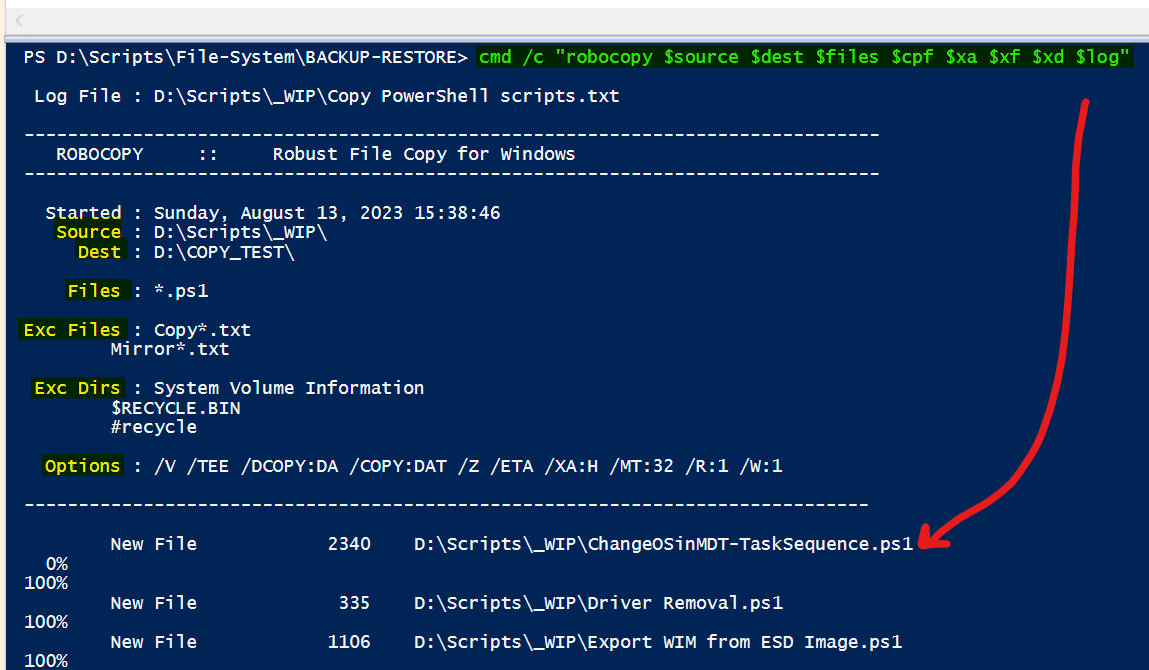
Hello Max,
I’m so glad I stumbled across your post. I’ve been determined to get robocopy options to work in a variable like they do in my batch files.
It’s a bit clunky, but now that I got it working with your advice, it shouldn’t be too difficult to make changes as needed.
For others who stumble upon this thread:
For comparison, here is a truncated version of what the robocopy options look like in a batch script:
set cpe=/e /eta /mt:32 /xa:h /r:1 /w:1 /tee /v /z
robocopy %source% %dest% %cpe% %log%
Here is a truncated version of what the robocopy options look like in a PowerShell script:
$options = $source,$dest,$files,'/eta','/mt:32','/r:1','/w:1','/tee','/v','/z',"/log+:$source\$logfile"
& robocopy $options
Basically, you took the entire line of code and placed it in a variable ($options). I had no success before because I didn’t realize that each piece of the code needed to be place in either single or double quotes when it began with a special character other than the $, AND separated by a comma.
I discovered that the space between them is optional. I tried with a space at first, then removed them and it still worked.
Therefore, I didn’t need quotes for: $source,$dest,$files; only the robocopy options. However, if you add something to the variable - like a subfolder - then quotes are needed.
Such as from $source to "$source\Backup"
Regarding the LOG FILE:
The entire string needs to be enclosed in “double quotes”. PowerShell didn’t like the single quotes which I often use for strings not containing variables.
Here’s my full working code for testing this out in which I copied all of the PowerShell scripts located in my $source folder to a test $dest folder, creating a log file as well.
# Variables
$source = 'D:\Scripts\Test_Source'
$dest = 'D:\Scripts\Test_Dest'
$files ='*.ps1'
$logfile = "Copy Powershell scripts.txt"

# Run robocopy
$options = $source,$dest,$files,"/eta","/mt:32","/r:1","/w:1","/tee","/v","/z","/log+:$source\$logfile"
& robocopy $options
For those still having trouble, or just want a cleaner look, you can always run the options outside a variable like normal:
robocopy $source $dest $files /eta /mt:32 /r:1 /w:1 /tee /v /z /log+:"$source\$logfile"