I’m trying to add a printer to a computer with this PS
Add-Printer -ConnectionName \\kc-util-vm\kc-ar-xerox
When I run this locally on my test computer, it adds the printer as expected.
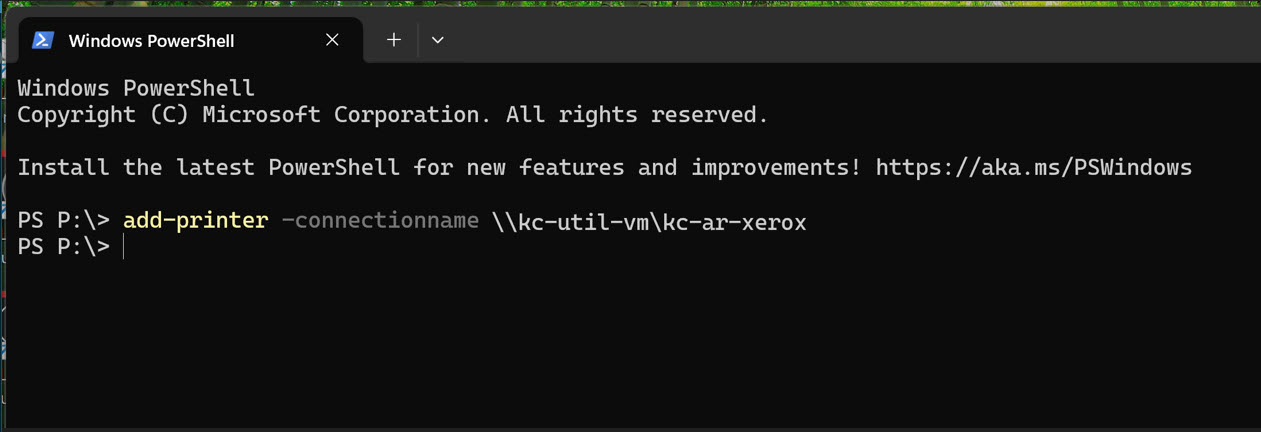
When I run it remotely, from my utility server:
invoke-command -computername $hostname -script {Add-Printer -ConnectionName \\kc-util-vm\kc-ar-xerox}
I get this error:
The specified server does not exist, or the server or printer name is invalid. Names may not contain ‘,’ or ‘\’
characters.
+ CategoryInfo : NotSpecified: (MSFT_Printer:ROOT/StandardCimv2/MSFT_Printer) [Add-Printer], CimException
+ FullyQualifiedErrorId : HRESULT 0x80070709,Add-Printer
+ PSComputerName : kc-gentest-lt1
I also tried it using PSSession:
 enter-pssession $hostname
[kc-gentest-lt1]: PS C:\Users\kpkb-adm\Documents> Add-Printer -ConnectionName \\kc-util-vm\kc-ar-xerox
I get this:
Add-Printer : The specified server does not exist, or the server or printer name is invalid. Names may not contain
‘,’ or ‘\’ characters.
+ CategoryInfo : NotSpecified: (MSFT_Printer:ROOT/StandardCimv2/MSFT_Printer) [Add-Printer], CimException
+ FullyQualifiedErrorId : HRESULT 0x80070709,Add-Printer
Can someone explain the difference between running this locally on kc-gentest-lt1 and running it on the same computer, but from a remote machine? What am I missing?
To reiterate, the “add-printer…” command works when I run it directly on the target computer.
Thanks!
—K